1. Create an AWS connection that enables access to multiple accounts
If you don’t yet have one, set up an AWS connection that supports multiple accounts using assume roles.2. Get the list of accounts
In your workflow, add a Get Account IDs AWS action. Choose the connection that enables access to multiple accounts. Then, in the Accounts property, use the multi-select dropdown to select all accounts that you want to iterate over: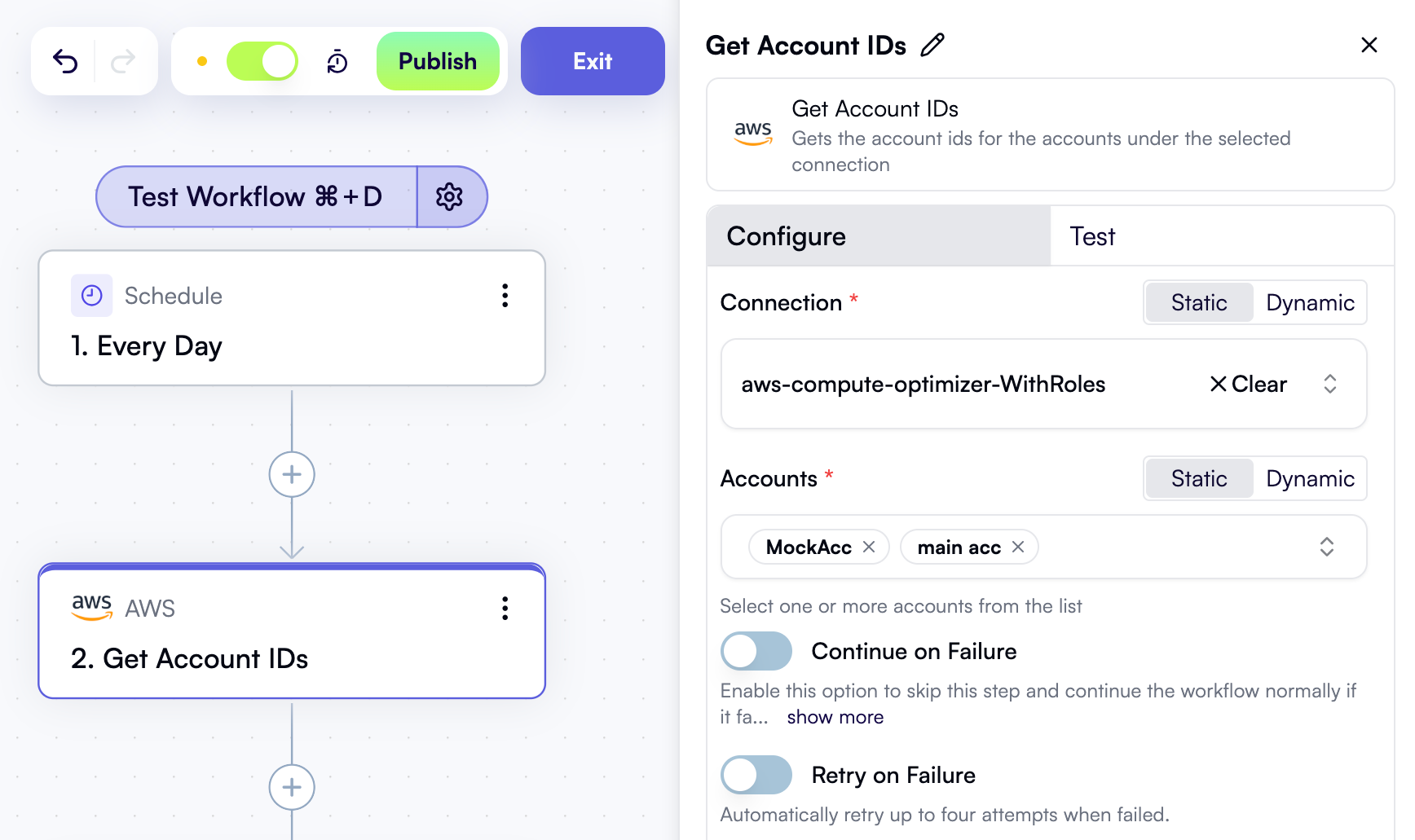
3. Iterate over accounts
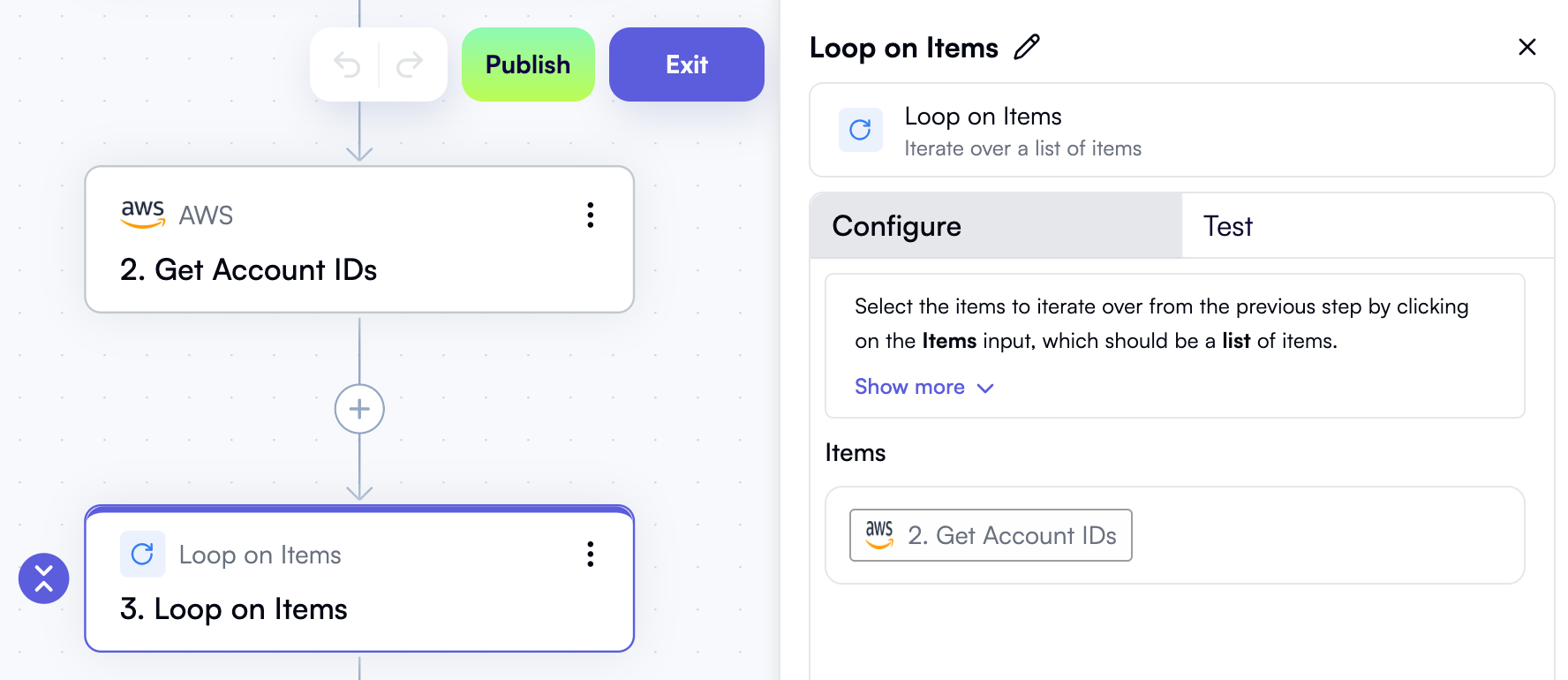
Add a Loop on Items step to your workflow. In the Items property, use the Data Selector view to select Get Account IDs — that is, the entire output of the previous step: